Makers testing a first concept
Turn a loose object idea into a tangible form, then inspect the silhouette before spending time on detailed modeling.
Sloyd Text to 3DSloyd for 3D Printing helps makers, designers, and small teams move from a rough idea to a useful printable direction. Explore shape, proportion, and detail before committing to a final build.
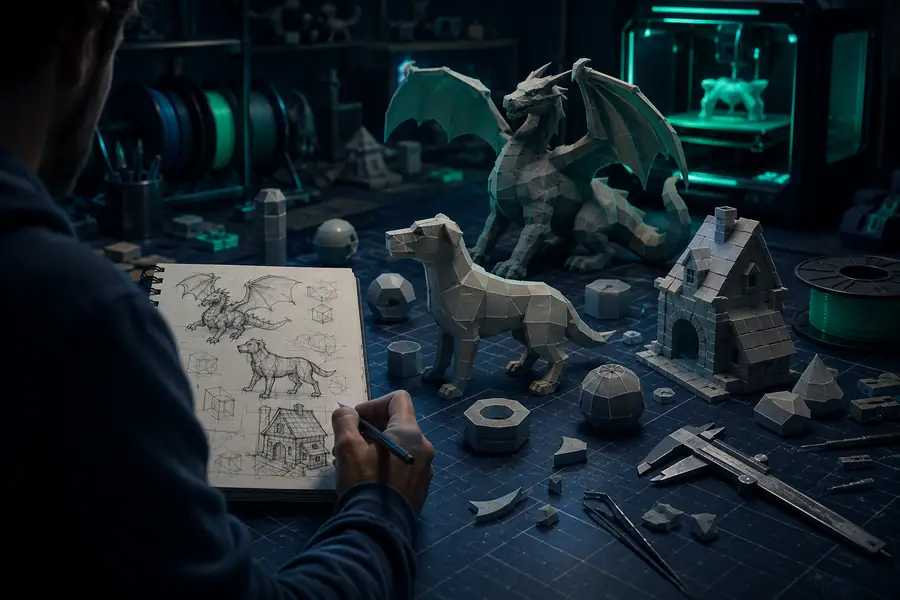
A typical 3D printing project starts with a sketch, a reference image, or a sentence describing the object. The creator then blocks out proportions, checks scale, prepares surfaces, exports a mesh, and tests whether the result will behave on a printer. Sloyd fits near the beginning of that chain, where decisions are still inexpensive to change.
Use the text-to-3D workflow to explore an object from language, or begin with editable 3D templates when repeatable proportions matter. The goal is not to replace slicing or printer calibration. It is to make the design handoff clearer before those steps begin.
Turn a loose object idea into a tangible form, then inspect the silhouette before spending time on detailed modeling.
Sloyd Text to 3DCreate several controlled directions for a handle, figurine, enclosure, or prop before selecting one for refinement.
Sloyd 3D TemplatesUse fast 3D directions to make lessons about scale, negative space, and manufacturable shape more concrete.
Sloyd OnlineMove a digital prop toward a physical prototype while keeping the original creative direction visible to the team.
Sloyd for Game DevelopmentExplore a character accessory or small collectible digitally, then prepare a physical reference for community events or demos.
Sloyd for RobloxSloyd belongs between inspiration and production modeling. It can give a printer-ready project a stronger starting shape, while the creator remains responsible for wall thickness, supports, tolerances, orientation, and final slicing. For Sloyd for 3D Printing, that division keeps exploration fast without hiding the checks that make a physical object succeed.
| Pipeline attribute | Sloyd-assisted start | Manual-only start |
|---|---|---|
| Shape exploration | Fast variations | Slower blockout |
| Reference input | Text, images, or templates | Usually manual setup |
| Proportion testing | Compare before detailing | One direction at a time |
| Print preparation | Requires final inspection | Handled in the same workflow |
| Iteration cost | Low during ideation | Higher after detailing |
| Final slicer settings | Still chosen by the maker | Still chosen by the maker |
| Best role | Concept and starting geometry | Precision and final validation |
The useful change is not simply a prettier mesh. Before Sloyd, a printing idea may exist as a sketch and a list of guesses. After a Sloyd pass, there is a visible direction with enough form to discuss, resize, compare, and hand into a more exact modeling or slicing process.
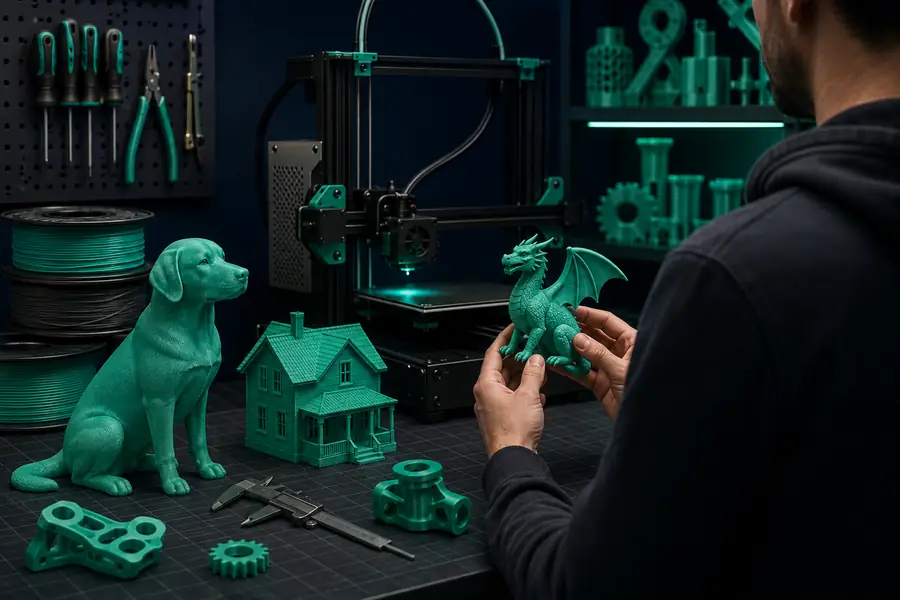
In a Sloyd for 3D Printing workflow, use the first result to find problems early: a handle that looks too thin, a base that needs more contact, or details that will disappear at the chosen scale.
A printable handoff needs more than an attractive viewport image. Check the intended object size, material estimate, and preparation effort before you send a direction into detailed CAD, mesh cleanup, or a slicer. This small calculator uses a transparent estimate rather than pretending to replace your printer profile.
Estimate uses a simple 0.18 g per millimetre planning factor, $0.06 per gram, and 0.18 minutes of avoided setup per millimetre. Actual results depend on infill, walls, supports, material, and printer settings.
The best tool depends on the stage of the project. Sloyd is useful when you need fast shape exploration, editable starting geometry, and a clear direction before final print preparation.
Yes, but an AI result should be treated as a starting point. Inspect the mesh, check for thin or unsupported features, confirm scale, and validate the file in the rest of your printing workflow.
Choose a sensible scale, review wall thickness and contact surfaces, repair non-manifold areas, orient the object, and test it in your slicer. Sloyd can accelerate the concept stage, while those production checks remain essential.
You can use the available Sloyd creation workflow to explore ideas without treating every early concept as a finished commercial asset. The important step is checking the current tool experience before beginning a larger print project.
STL is widely supported for straightforward geometry, while OBJ and 3MF can preserve additional information depending on the workflow. Use the format your modeling and slicing tools handle best, then validate the exported mesh.