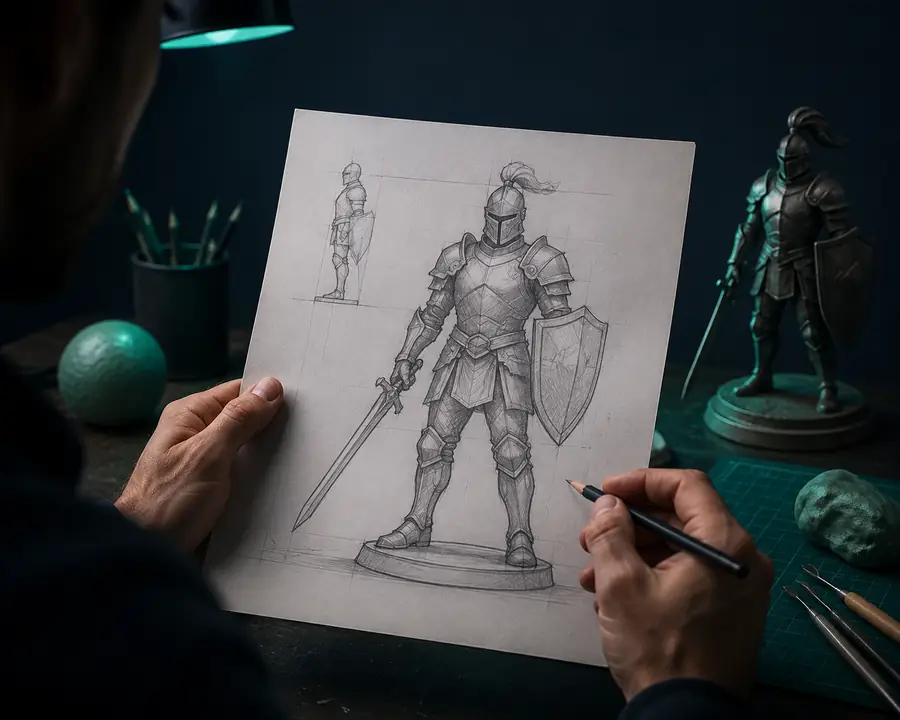
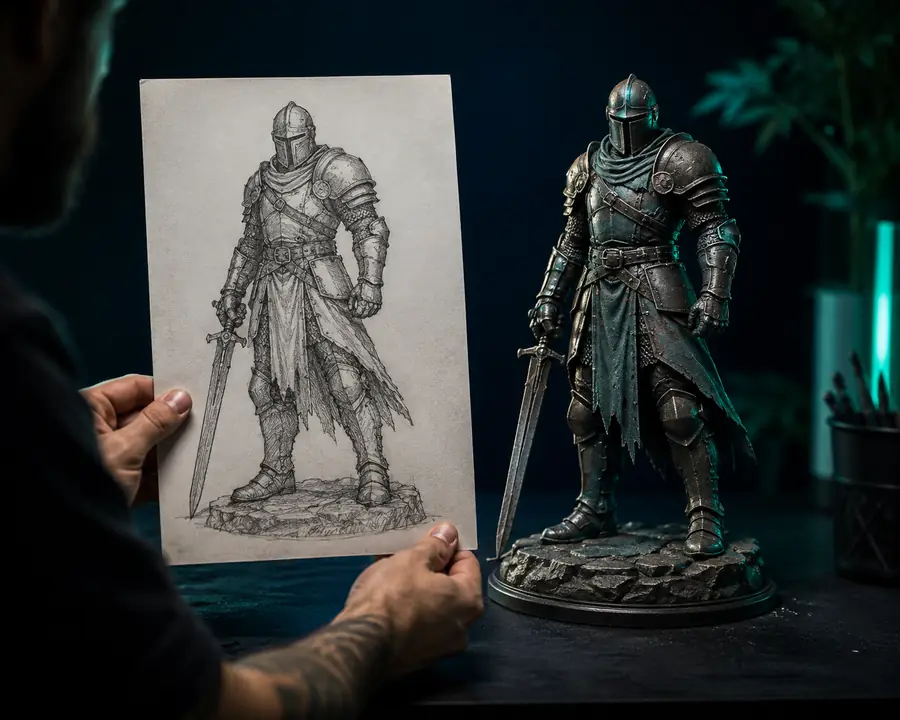
Turn a visual idea into a shape language
When a sketch or mood board communicates more than words, image to 3D helps artists test silhouette and proportion before committing to a detailed model.
See the Sloyd Text to 3D workflowSloyd Image to 3D turns a sketch, photo, or render into a practical 3D starting point. Use the image to 3D workflow to communicate proportions, compare directions, and move from a visual reference to something you can refine.
Sloyd gives image-led exploration a useful middle step. Instead of treating a reference as a final specification, you can use it to establish shape, scale, and visual intent, then decide what needs further modeling. That makes image to 3D helpful for early decisions without forcing every reference to become a finished asset.
Start with a sketch, photo, render, or concept image that makes the main silhouette easy to read.
Add context about style, materials, proportions, or the parts that matter most to your project.
Review the result, identify useful geometry, and continue shaping it in Sloyd or your connected 3D tool.
A reference can serve different purposes depending on where you are in the process. These Sloyd workflows are designed to make the next decision more concrete, whether you are exploring a mood, planning an asset, or preparing a handoff.
When a sketch or mood board communicates more than words, image to 3D helps artists test silhouette and proportion before committing to a detailed model.
See the Sloyd Text to 3D workflowA reference can reveal which proportions and editable parts matter, helping a team choose a controlled starting point instead of rebuilding the same idea from scratch.
Explore Sloyd 3D Templates for controlled variationsTeams can use image-led models to talk about scale, silhouette, and visual identity while the final topology, rig, and optimization decisions are still ahead.
Move from visual reference to a prompt-led passImage to 3D can clarify a product silhouette or printed-object direction early, while exact tolerances and manufacturing constraints remain part of the next pass.
Use editable template thinking after the first passThe value of Sloyd is not only the first generated result. It is the time saved when a team can see and compare a direction before investing in a complete asset.
Sloyd Image to 3D is best treated as a fast route to a useful direction, not as a replacement for every modeling, scanning, or production step. Knowing where the route stops helps you use it well.
One image only shows one view. Occluded surfaces, back-side construction, and exact internal structure may need interpretation or manual correction.
Workaround: add multiple references or use the result as a blockout before detailing.
A visually convincing result may still need cleanup for deformation, UVs, game-engine budgets, or a clean manufacturing handoff.
Workaround: inspect the mesh and finish topology in the tool your pipeline already uses.
Image to 3D communicates appearance and approximate form, but a photograph is not a reliable source for tolerances, dimensions, or engineering constraints.
Workaround: use real measurements and a controlled template when accuracy is the priority.
Very abstract shapes, crowded scenes, low-contrast images, and complex assemblies can produce a less dependable first direction.
Workaround: simplify the reference, crop the subject, and describe the important structure clearly.
Use the slider as a simple planning aid. More reference views can reduce uncertainty, while Sloyd keeps the first comparison pass lightweight.
Image to 3D is useful for turning a sketch, photo, render, or concept image into an early 3D direction. It helps with silhouette, proportion, visual communication, and fast exploration before a model is finalized.
Additional references can make the intended shape easier to interpret, especially when one view hides important details. Use consistent views and explain which features should carry the most weight.
The result is a visual starting point rather than a guaranteed exact reconstruction. Sloyd can help establish a close direction, but hidden surfaces, measurements, and production topology may still need refinement.
Yes. The workflow is intended for iteration. Compare directions, adjust the reference or description, and continue shaping the useful result in Sloyd or a connected creator tool.
It depends on the information you have. A reference image is helpful when appearance and proportions are already visible, while a text-led workflow can be more flexible when the idea is still mostly verbal.