Indie environment teams
Small teams need a broad prop library before they can judge whether a world feels coherent. Early 3D directions make that review faster and more concrete.
Explore Text to 3DSloyd for Game Development gives teams a practical way to turn prompts, references, and reusable templates into playable 3D directions. Move from a loose prop idea to a reviewable asset without slowing the creative loop.
Game development rarely struggles because a team has no ideas. The friction appears between the idea and the first useful asset: concept artists are asked for too many variations, designers wait on placeholder geometry, and technical artists inherit inconsistent scale, topology, or naming. A sloyd workflow helps reduce that dead space by making early 3D exploration tangible.
Different teams can use the same starting point without pretending every model is final. A designer can test a silhouette, a level artist can block out a prop set, and a producer can review direction before production time is committed.
Small teams need a broad prop library before they can judge whether a world feels coherent. Early 3D directions make that review faster and more concrete.
Explore Text to 3DA sketch or mood-board image can become a dimensional reference for proportions, costume shapes, and material direction before a final sculpt begins.
Use Image to 3DCreators can explore readable silhouettes and themed accessories while keeping the iteration loop approachable for a smaller production setup.
See Roblox workflowWhen a game object may also need a physical mockup, a clear shape and editable starting geometry reduce the distance between screen and hand.
Explore printable modelsSeasonal updates need repeatable shapes and variations. Controlled starting geometry lets a team add content without rebuilding every asset from zero.
Browse 3D templatesA sloyd workflow can be open-ended when the team is searching for a direction, or controlled when the shape needs to stay consistent. These three routes cover the most common game development handoffs.
| Need | Sloyd workflow | Blank-slate start |
|---|---|---|
| Prop ideation | Prompt several readable silhouettes | Model one direction before comparing |
| Reference matching | Use a sketch, render, or photo as a guide | Translate the reference manually |
| World set variation | Adjust an editable template family | Duplicate and reshape each asset |
| Early art review | Share tangible 3D directions sooner | Review flat notes or rough blockouts |
| Asset naming pass | Set a naming and grouping convention early | Standardize after the first batch |
| Engine handoff | Review scale, parts, and intended use first | Discover pipeline issues downstream |
The goal is not to skip craft. The goal is to give craft a stronger starting point: a prop direction with a clear silhouette, a useful visual language, and enough structure for the team to decide what deserves another pass.
Describe the role, era, scale, and gameplay context. A prompt such as “a worn mining beacon for a frozen outpost” gives the visual search a useful boundary.
Review several forms before polishing. The team can reject a weak silhouette early instead of spending a full modeling session defending it.
Choose the strongest direction, check its intended parts and scale, then move it toward the engine, DCC, or downstream art workflow.
In game development, a visually appealing model is only one part of the handoff. Treat every generated result as an early asset direction and check it against the project’s technical rules before it enters a production branch.
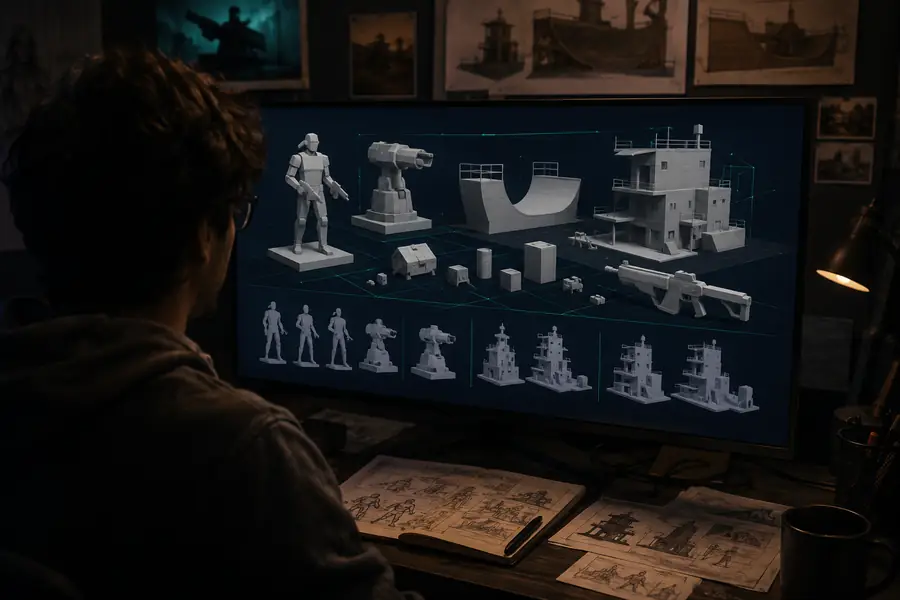
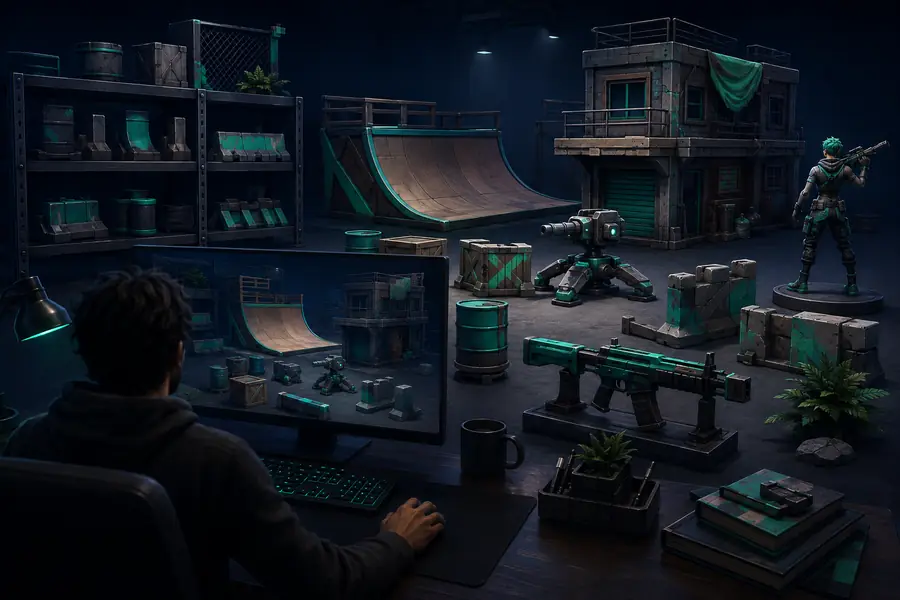
Check scale, pivot expectations, naming, material count, UVs, collision needs, polygon targets, and whether separate parts should remain separate. If the asset is going into a live game development pipeline, also confirm licensing, reference ownership, and the project’s rules for generated content.
Once a direction is clear, teams often branch into adjacent workflows. A Roblox creator may need a more focused route for platform-ready assets, while a physical prototype team may continue into print-oriented modeling. Keep the discovery phase connected with these related Sloyd paths.
Adjust the number of game asset directions you want to explore. The estimate is a planning aid, not a production guarantee, but it shows how an early Sloyd pass can change the shape of a review sprint.
These answers focus on how Sloyd fits into game development rather than treating an early generated result as a finished asset.
Yes. Sloyd can help create useful 3D starting points for props, environment pieces, characters, and other game development concepts. Teams should still review geometry, materials, scale, and engine requirements before production use.
No. The strongest use is acceleration during ideation, comparison, and early blocking. Artists and technical teams remain responsible for the final design decisions, optimization, rigging, integration, and quality bar.
A sketch, render, photo, or mood-board image can establish proportions and visual language for an early asset direction. Confirm that the reference is appropriate for your project before sharing or shipping derived work.
Templates are useful when a team needs several related assets with consistent proportions. Adjusting controlled geometry can be more dependable than prompting every variation independently.
Sloyd can provide a direction for the next stage of a pipeline, but the handoff still needs project-specific checks. Validate format, scale, naming, topology, UVs, materials, collisions, and engine import behavior before committing the asset.