Concept artists
Turn a loose description into a tangible prop or character direction before committing to a polished design sheet.
Explore a concept directionSloyd Online gives you a practical place to turn an idea into a 3D starting point. Work from a prompt, an image, or an adaptable template, then compare directions without leaving the browser.
Instead of moving between disconnected tools, Sloyd Online keeps the early creative loop together: describe the object, inspect the result, adjust the direction, and decide what deserves a deeper pass.
| Attribute | Sloyd Online | Traditional starting point |
|---|---|---|
| Where you begin | Prompt, image, or template | Empty scene or existing asset |
| Setup required | Open a browser | Install and configure software |
| Early exploration | Fast visual variations | Manual changes take longer |
| Geometry control | Template controls where available | Deep manual control |
| Reference support | Images and written direction | Usually added separately |
| Best role | Ideation and useful handoff | Detailed production refinement |
| Learning curve | Beginner-friendly first step | Depends on the application |
The online workflow is useful because it meets creators at different points in the process rather than forcing every project through the same doorway.
Turn a loose description into a tangible prop or character direction before committing to a polished design sheet.
Explore a concept directionCreate placeholder assets, compare silhouettes, and give a team something more concrete than a paragraph to discuss.
Shape a game asset ideaUse an approachable first pass to test the proportions and character of an object before preparing it for fabrication.
Start a printable directionBring a reference image into a 3D conversation and make shape, scale, and material direction easier to communicate.
Translate a visual referenceShow how prompts, references, and editable geometry influence a model without starting every lesson in a complex interface.
Try an approachable 3D lessonA lighter route from idea to decision
Sloyd is designed to make the first useful direction easier, not to replace every specialized 3D application. A clear handoff keeps expectations realistic.
The browser workflow is not intended for detailed sculpting, retopology, or painstaking vertex-level edits.
Workaround: use the result as a base, then continue in the 3D application that matches the finishing task.
Written direction is excellent for broad form and mood, but small construction details may need several passes or manual refinement.
Workaround: add a clear reference image or start from a template when proportions must stay predictable.
Not every first result will be ready for animation, manufacturing, or a final game pipeline without checking scale, topology, and parts.
Workaround: review the model for the requirements of its destination before treating it as production-ready.
Because the workflow is online, slow or interrupted connectivity can make exploration less comfortable.
Workaround: prepare prompts and references locally, then return when you have a reliable connection for the generation pass.
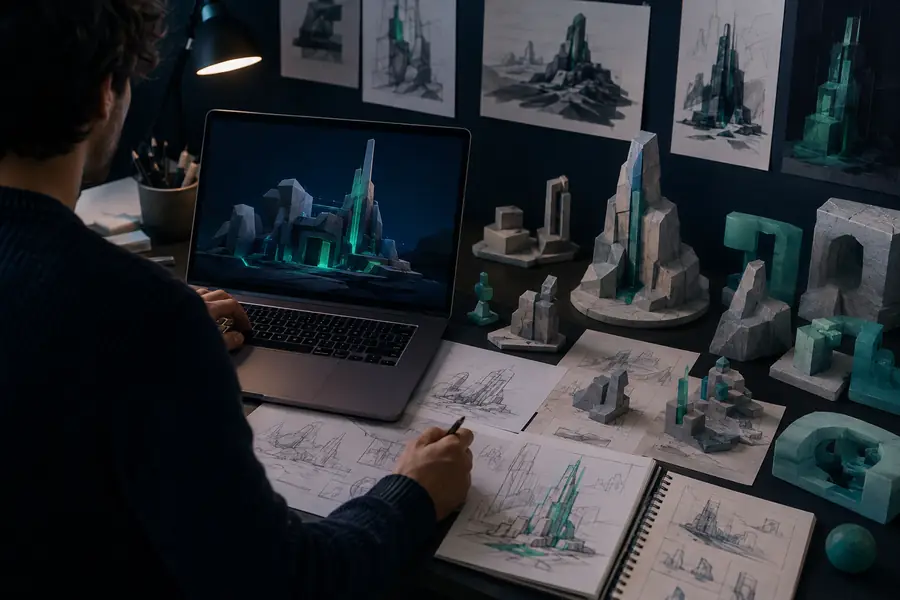
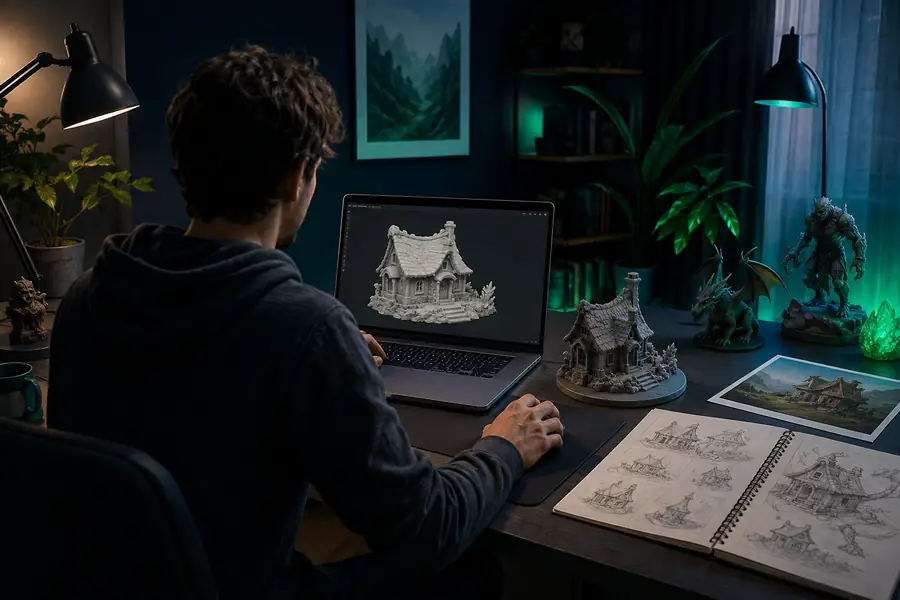
The value of the online workflow is the transition itself: a prompt or reference becomes something visible enough to question, compare, and improve.
You do not need a finished brief to begin. Give the workflow enough direction to make the next creative decision easier.
Write what you want to see, upload a useful reference, or choose an editable template that already has the right kind of structure.
Look at the silhouette, proportions, surface treatment, and overall fit. The first pass is a conversation starter, not a final verdict.
Keep exploring, adjust the controls that matter, or move the strongest direction toward the rest of your creator workflow.
A few simple requirements are enough
Sloyd Online is a browser-based way to explore 3D ideas with text prompts, image references, and editable templates. It focuses on getting to a useful starting point quickly.
No. You can begin in the browser, which makes the first exploration step more approachable. A separate 3D application can still be useful later for detailed production work.
You can explore props, characters, buildings, furniture, game assets, printable objects, and other 3D directions. The most useful result depends on the prompt, reference, or template you provide.
Yes. Starting with a sentence, image, or controlled template gives beginners a concrete object to inspect instead of requiring them to learn every modeling tool before seeing progress.
The online result is intended to become a useful handoff or refinement starting point. Check the model against the needs of your destination pipeline, especially for topology, rigging, scale, and manufacturing.
They serve different stages. The browser route is faster for early exploration and communication, while traditional software remains important when you need deep manual control and final production polish.