Solo Roblox developer
Establish a coherent prop set when one person is handling design, scripting, level building, and asset preparation.
Sloyd for Game DevelopmentSloyd for Roblox helps developers turn rough ideas into stylized, editable 3D assets that fit a playable world. Use a prompt, a reference, or a controllable template to explore props, avatars, buildings, and scene dressing before the rest of the experience is locked in.
Roblox projects need assets that are readable at game scale, visually consistent, and practical to revise. Sloyd gives different creators a faster first pass without taking away the decisions that shape the final world.
Establish a coherent prop set when one person is handling design, scripting, level building, and asset preparation.
Sloyd for Game DevelopmentTest silhouettes and accessories quickly so a promising Roblox item can be reviewed before detailed production work begins.
Sloyd Avatar CreatorGenerate variations of houses, signs, fences, kiosks, and other modular pieces that make a Roblox map feel lived in.
Sloyd 3D TemplatesGive artists and designers a shared visual starting point while the team compares directions for an upcoming Roblox feature.
Sloyd OnlineMake a lesson or game concept tangible with approachable 3D starting points instead of spending the whole session modeling from zero.
Sloyd for 3D PrintingA useful Roblox asset is more than a nice render. The table below shows the practical questions to ask before an object enters a scene, inventory, or avatar workflow.
| Attribute | Sloyd starting point | Roblox handoff |
|---|---|---|
| Readable silhouette | Yes — explore clear shapes | Yes — test at game distance |
| Fast variations | Yes — prompt or adjust | Yes — compare directions |
| Repeatable proportions | Yes — use templates | Yes — keep a set coherent |
| Separate parts | Yes — plan modular pieces | Yes — prepare for editing |
| Gameplay scripting | No — not the scripting layer | Yes — handled in Roblox Studio |
| Final optimization | No — review before release | Yes — validate in context |
| Style exploration | Yes — iterate visually | Yes — match the experience |
Sloyd works best when it supports a clear review loop. Start broad, choose the strongest direction, and then check the asset where players will actually see it.
Describe what the object does in the Roblox experience, its audience, its scale, and the visual language it needs to share with nearby assets.
Create a few directions, inspect the silhouette, and select the version that stays legible when reduced, rotated, or viewed from a normal play distance.
Bring the chosen model into the Roblox workflow, check scale and materials, and make the final decisions against the actual camera and gameplay needs.
These are useful working targets for a small Roblox asset sprint, not promises about a finished game. The point is to make early choices visible and keep the team moving.
Most Roblox asset rework starts with a mismatch between the concept and the actual experience. A prop may look strong in isolation but become noisy at distance, too detailed for its role, or inconsistent beside the rest of the map.
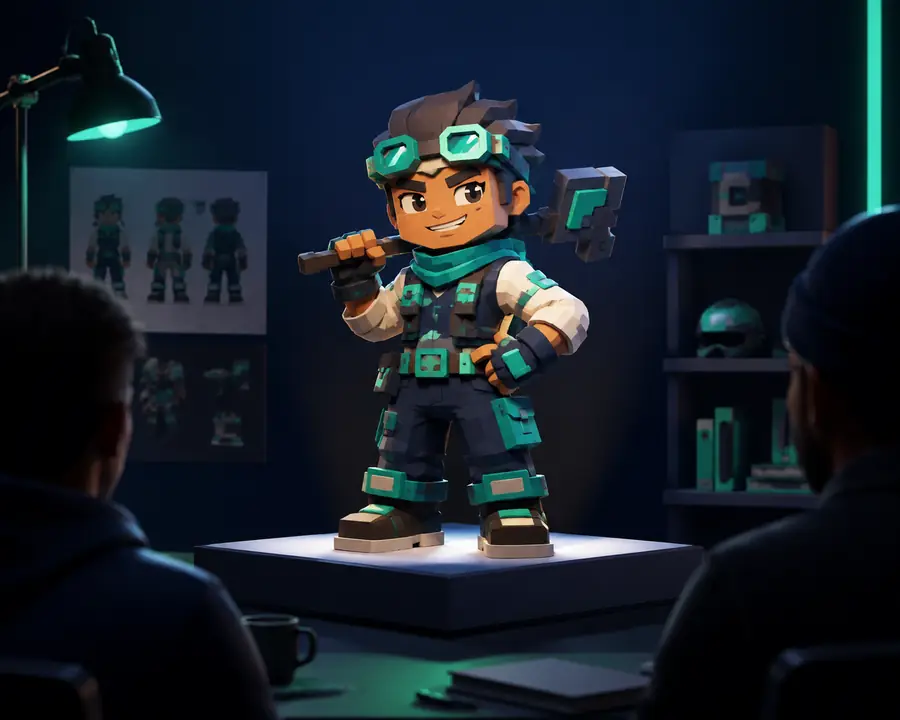
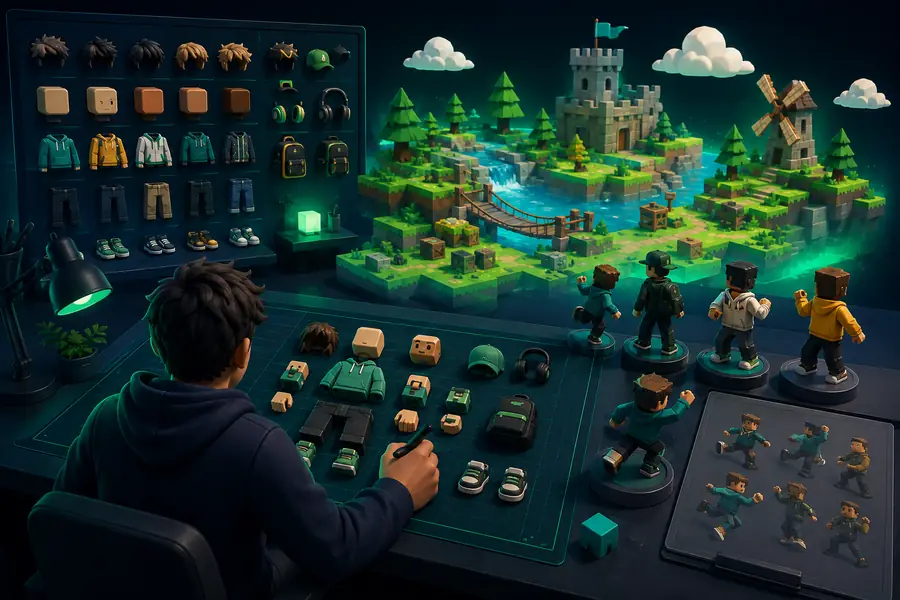
Use the comparison as a conversation starter: check whether the asset reads at play distance, whether its details support the game loop, and whether the parts can be edited without rebuilding the whole idea.
Roblox creators often move between exploration, asset preparation, and production checks. These related routes cover the next useful questions without pulling the process away from the project.
Use the simple planning widget for a rough sense of how a small asset batch can add up, then check the answers below for the questions Roblox creators ask most often.
Illustrative planning estimate based on a compact first-pass workflow.
Yes. Sloyd can help you explore props, characters, buildings, and other 3D directions for a Roblox experience. Treat the result as an editable starting point, then validate scale, materials, performance, and behavior in Roblox Studio.
AI can generate useful 3D concepts for Roblox, especially during early exploration. The strongest workflow combines prompt-led variation with a review pass that checks whether the model is readable, appropriately detailed, and suitable for the intended game role.
Begin with the object's purpose and visual style, create or customize a 3D direction, and then inspect it in the Roblox production workflow. The final pass should cover proportions, separate parts, materials, collision needs, and performance at the camera distance players will use.
They should be reviewed before publishing. A generated or customized asset may still need adjustments for topology, scale, naming, materials, texture memory, collisions, and the specific requirements of your Roblox experience.
Yes. Customization is central to the workflow. Compare variations, adjust the important proportions, refine the finish, and carry the selected direction into the rest of your Roblox asset pipeline for final implementation.