The silhouette is close but not exact
Prompt-led generation can capture the category while missing a precise proportion or small structural feature.
Workaround: simplify the prompt, use a reference, or start from a parametric template.
This free Sloyd 3D model generator guide shows how to move from a simple idea to a useful 3D starting point without a complicated installation. Sloyd works best when you know what you want to explore, have a clear reference or prompt, and understand which details need a later pass.
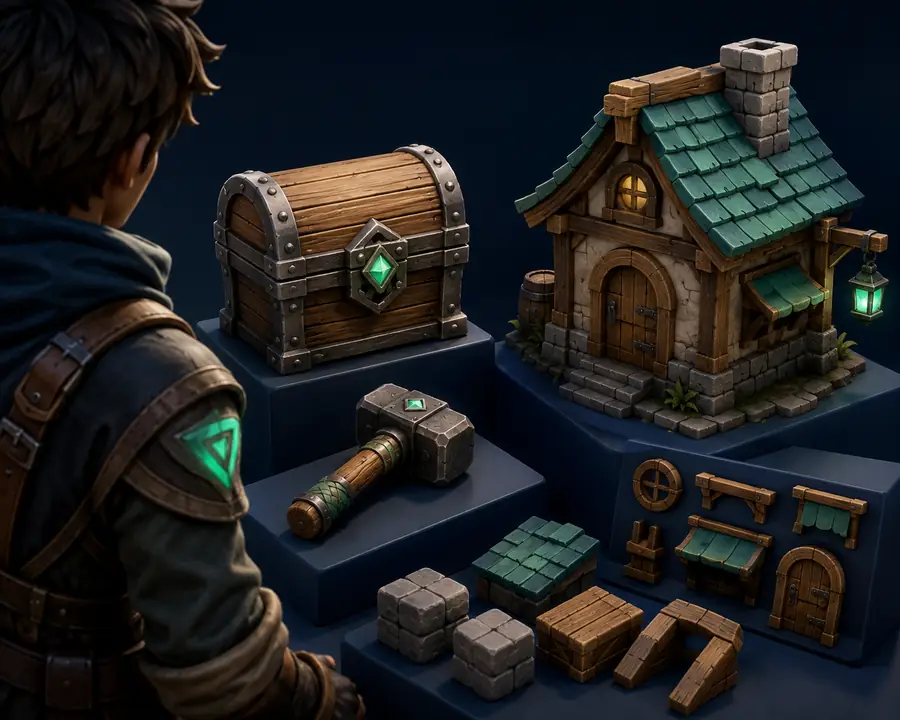
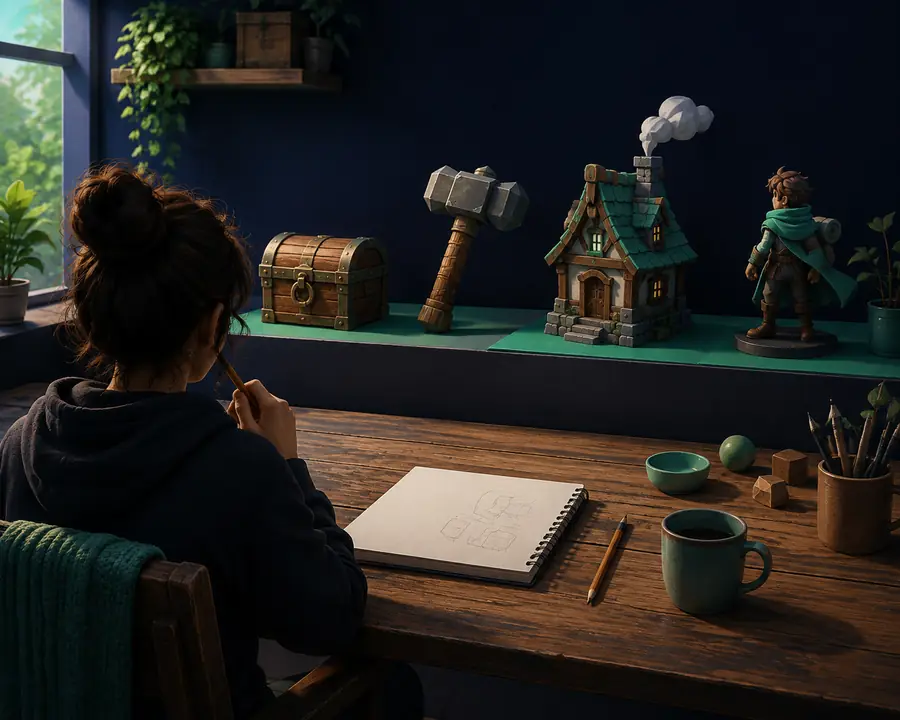
The free route is easiest when the creative brief is small enough to test quickly. Prepare these basics before opening Sloyd.
Begin in Sloyd with one concrete prompt rather than a complete design document. Describe the object, its broad style, and the setting where it will be used. For example, a “small stylized mining drone with teal lights” gives the generator a clear subject while leaving room for variation.
Review the first direction for silhouette, scale, and whether it communicates the right idea. If the result is close, adjust the wording and try another pass. If the shape is predictable and editable geometry matters more, move toward Sloyd 3D Templates . A sketch or render can instead guide the image-to-3D workflow .
The free workflow is most useful at this stage: compare directions, keep the strongest one, and only then decide which details deserve manual refinement. You can also use Sloyd Online when you want to explore without preparing a full desktop scene first.
Use the simplest Sloyd path that matches the kind of uncertainty you are trying to remove.
| Attribute | Free Sloyd route | When to change direction |
|---|---|---|
| Starting point | Text prompt or reference | Use a template for repeatable geometry |
| Best early use | Concepts and placeholders | Refine manually for final production |
| Setup | Browser-first exploration | Move to a creator tool for deeper edits |
| Iteration | Try several directions quickly | Keep a chosen version before polishing |
| Control | Prompt and template decisions | Use a dedicated 3D editor for topology surgery |
| Output expectation | Useful 3D starting point | Not a guarantee of a finished asset |
These are planning signals, not promises. They show why Sloyd is useful before a project commits to detailed modeling.
Choose a detail target to get a rough guide for the first free Sloyd pass. A lower setting is useful for silhouettes; a higher setting gives more to inspect.
A free AI 3D model generator is strongest during exploration. Knowing where the route stops helps you choose the next Sloyd or creator-tool step without expecting one pass to solve every production problem.
Prompt-led generation can capture the category while missing a precise proportion or small structural feature.
Workaround: simplify the prompt, use a reference, or start from a parametric template.
A first result may be valuable visually without being ready for deformation, optimization, or a strict technical pipeline.
Workaround: inspect and refine the model in your preferred 3D application.
Multiple characters, interactions, and hidden parts can make a single prompt less reliable than a staged workflow.
Workaround: generate key assets separately, then assemble the scene yourself.
Broad wording often produces a familiar object rather than a distinctive art direction for your project.
Workaround: add material, era, shape-language, and reference details before the next pass.
Yes. Sloyd provides a free way to explore 3D directions from text, references, and adaptable templates. It is intended for trying ideas and finding a useful starting point before deeper refinement.
It can help establish objects, props, characters, and other visual concepts. Results are most useful when the subject is described clearly and the first pass is treated as a direction to evaluate rather than a finished asset.
Yes. Describe the subject, broad style, and important visual traits, then compare the generated directions. Short, specific prompts usually make iteration easier than one overloaded paragraph.
The first exploration can be quick, but the useful time is usually spent reviewing and comparing options. Allow enough time to test a few directions and decide what should be refined next.
They can be useful as placeholders, concept assets, and starting points for game or print workflows. Always inspect scale, topology, watertightness, materials, and the requirements of your final tool before delivery.
Neither is always better. Text is flexible for exploring ideas, while an image can communicate a particular silhouette, proportion, or finish more directly. Combining both can reduce ambiguity.