Concept artists
Turn a loose prop or character thought into a shared visual reference before a longer design pass.
Use Sloyd Image to 3D for sketch-led ideasGive Sloyd a clear description, explore a useful model direction, and keep moving while the idea is fresh. This focused route is built for prompt-led exploration rather than a full modeling setup.
The text route is the shortest path from language to a visual 3D starting point. Use it when you already know what to describe; choose the Sloyd Image to 3D workflow when a sketch or reference carries more information, or browse Sloyd 3D Templates when repeatable controls matter.
| Need | Text route | General workspace |
|---|---|---|
| Starting point | A written prompt | Prompt, image, or template |
| Fast visual iteration | Yes | Yes |
| Reference upload | No | Yes |
| Parametric controls | No | Yes |
| Best for | Open-ended concepting | Mixed creation workflows |
| Next move | Compare and refine | Choose the right tool |
Name the subject, style, proportions, materials, and useful details in plain language.
Look for the silhouette and mood that best support the idea, not a finished asset on the first pass.
Keep refining the direction, or move toward a broader Sloyd workflow when more control is needed.
This route keeps the creative decision simple: describe, inspect, and decide. It is especially useful when the first question is what the object could look like.
Turn a loose prop or character thought into a shared visual reference before a longer design pass.
Use Sloyd Image to 3D for sketch-led ideasExplore silhouettes for environment props and NPC concepts while the team is still discussing direction.
Use Sloyd 3D Templates for repeatable game assetsTest shape, scale, and visual language before committing to a detailed CAD or presentation workflow.
Compare a reference with Sloyd Image to 3DShow how a sentence becomes a form, then select a more controlled path for the version worth developing.
Shape the next version with Sloyd 3D TemplatesA strong prompt does not need to be long. State the object first, then add the qualities that help Sloyd make a useful first interpretation.
Text-led creation is quick because it makes reasonable decisions for you. That also means it is not the right route for every kind of precision.
A short prompt may miss proportions, assembly logic, or details that were never stated.
Workaround: describe the silhouette, camera-facing features, and intended use.
Exact dimensions and repeatable parameter changes belong in a controlled template workflow.
Workaround: move the promising idea into an editable template.
A generated direction can be valuable without being production-ready, watertight, or perfectly proportioned.
Workaround: inspect the model and refine before handoff or fabrication.
Use the slider to see a simple planning estimate for a prompt-led review session. It is a guide for creative throughput, not a promise about final asset quality.
The before-and-after view is less about replacing craft and more about making the next design conversation concrete.
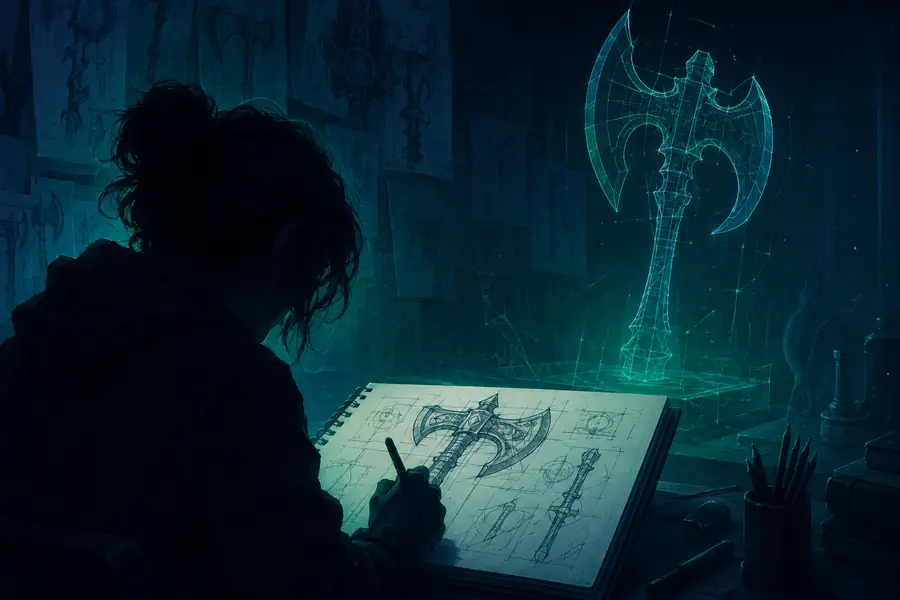
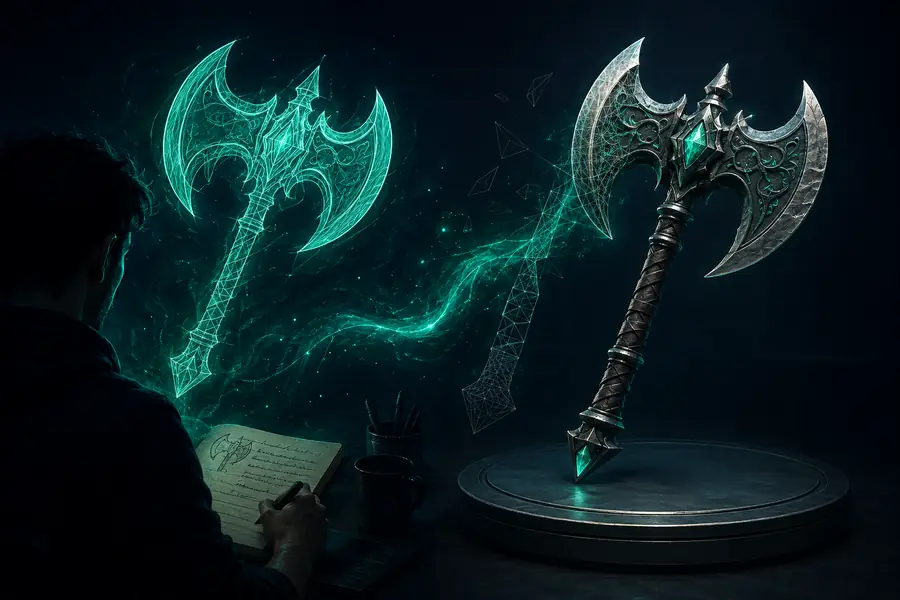
The useful outcome is a model direction with enough shape and character to discuss, revise, or carry into the next Sloyd workflow.
| Attribute | Text-to-3D route | Practical meaning |
|---|---|---|
| Input | Text prompt | Start with language |
| Style direction | Included | Add visual cues to the prompt |
| Open-ended variation | Included | Compare several interpretations |
| Image guidance | Not primary | Use the image route instead |
| Exact parameters | Not primary | Use an editable template |
| Best output | Useful 3D direction | A foundation for refinement |
Start with the object, then add its shape, proportions, material, mood, and a few defining details. Clear nouns and visual adjectives usually work better than a long backstory.
It is best suited to early directions for props, characters, environment pieces, and other visually describable forms. Highly engineered or dimension-critical objects need a more controlled workflow.
Treat the first result as a useful starting point. Review proportions, topology, materials, and intended use before sending it into a final game, design, or fabrication pipeline.
Choose an image workflow when a reference already communicates the look. Choose a template when repeatability, direct controls, or predictable geometry matter more than open-ended exploration.
Yes. Compare directions, revise the description, and carry the strongest result into the broader Sloyd workflow when the idea needs more control or a more deliberate handoff.