Focused route
Avatar creator
- Begins with avatar-oriented proportions and parts
- Makes outfit and silhouette iteration easier
- Supports a quicker handoff toward Roblox use
- Less suited to unrelated environment assets
A Sloyd Avatar Creator gives you a focused route from a character idea to a customizable Roblox-ready model. Start with a base, shape the parts, and keep the workflow lighter than a full open-ended 3D session.
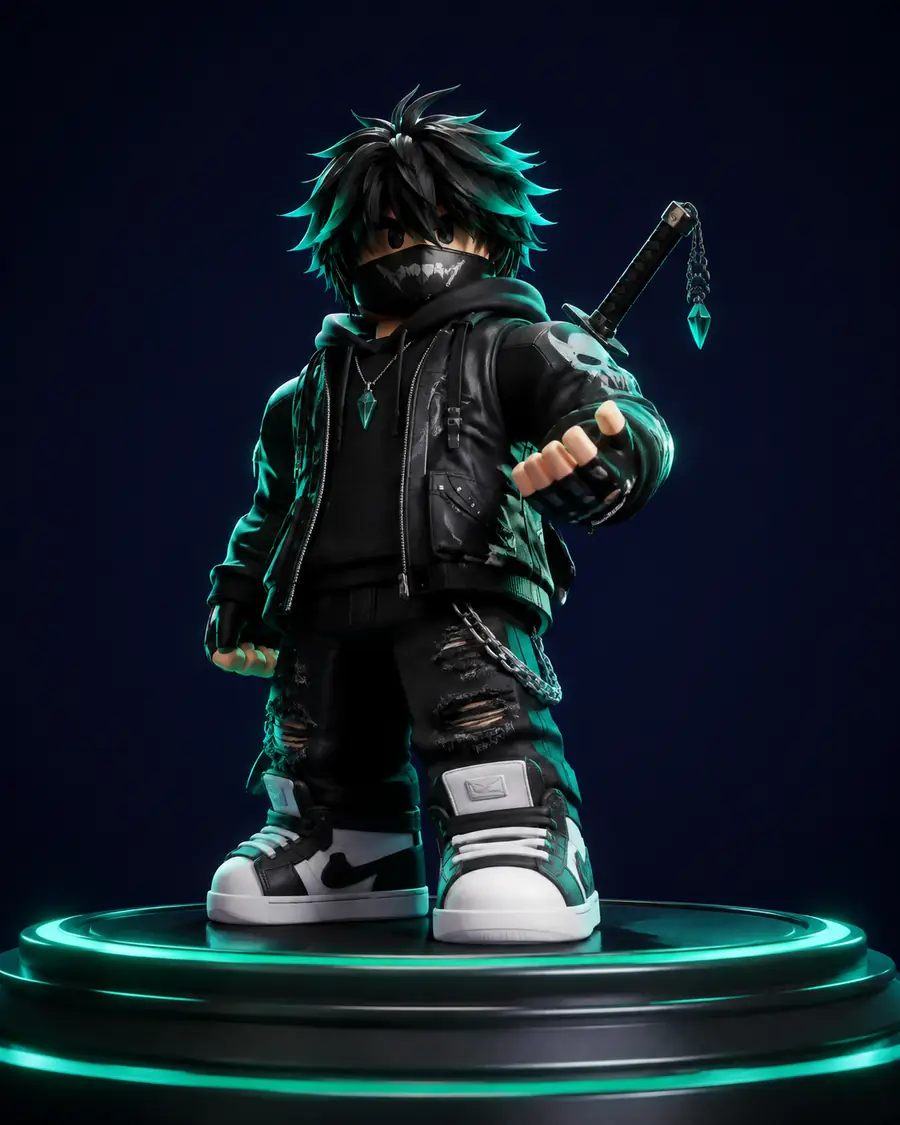
Avatar direction
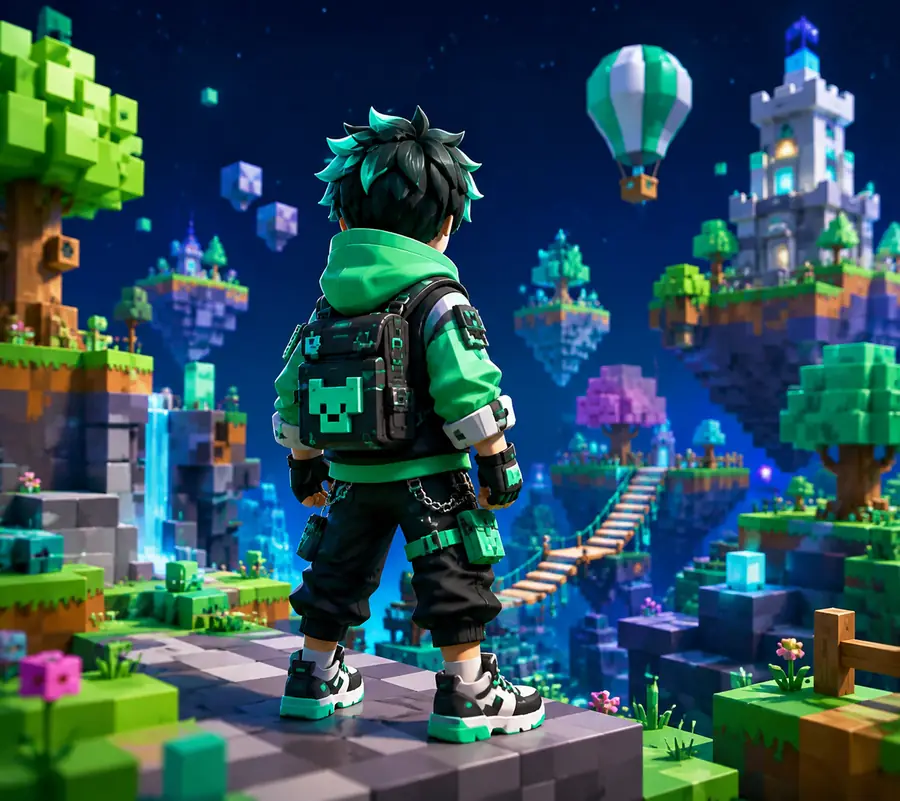
Ready-to-shape character
Choose the avatar route when the character body, separate parts, and Roblox proportions are central. Choose the broader Sloyd workflow when the asset could be any prop, environment piece, or experimental form.
The avatar path sits inside a wider Sloyd system. If you need a broader view, compare it with Sloyd Online creation, use Sloyd Text to 3D for an open prompt, or start from Sloyd 3D Templates when repeatable geometry matters.
This entry point is not simply a smaller general modeler. It concentrates attention on the three decisions that make an avatar useful: body structure, modular parts, and a finish that reads clearly in a game.
| Attribute | Avatar route | General route |
|---|---|---|
| Starting point | Character-oriented base | Open asset brief |
| Body proportions | Front and center | Defined by the prompt or template |
| Modular parts | Outfit-friendly decisions | May need extra planning |
| Silhouette checks | Fast to compare | Depends on the asset type |
| Non-character props | Not the main purpose | Broad asset coverage |
| Best first question | What should this avatar wear and communicate? | What 3D object should I explore? |
Bring a clear character idea rather than a technical specification. The best first prompt names the role, mood, silhouette, clothing, and visual style you want to test.
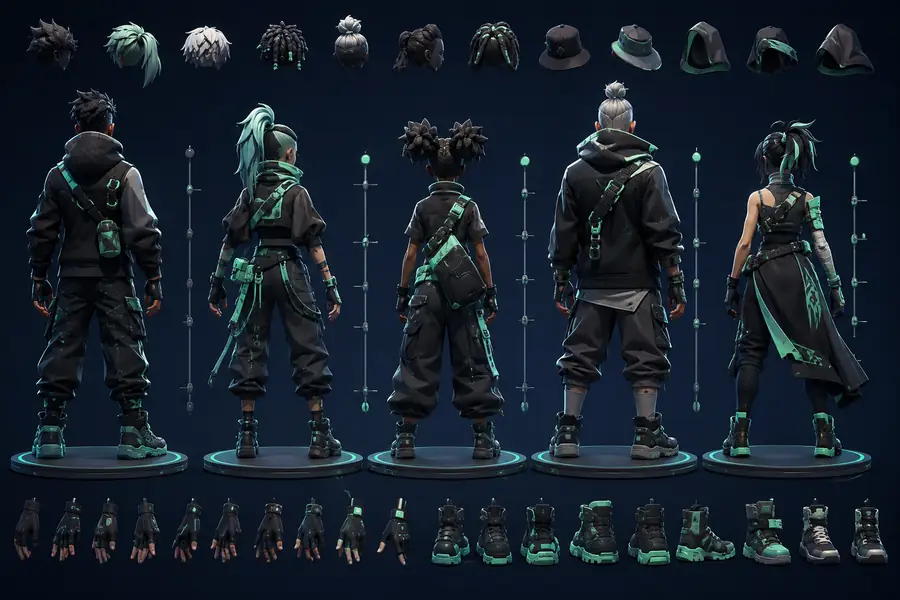
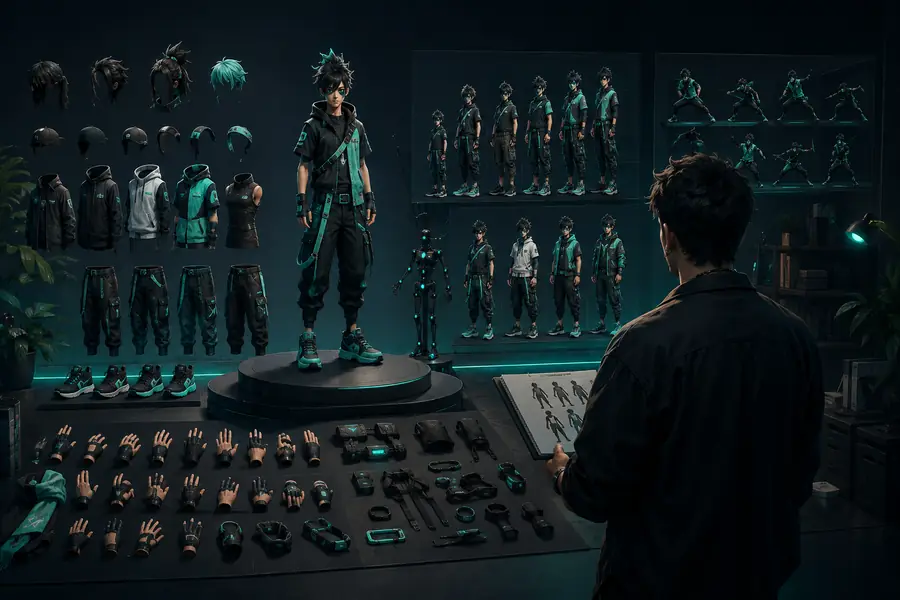
Describe a courier, explorer, builder, or mascot so the first direction has a readable purpose.
Compare broad body language and proportions before spending time on tiny accessories.
Use clothing, materials, and a compact palette to make the avatar legible in a Roblox scene.
Choose the direction that communicates best, then continue editing the parts that need a closer fit.
Sloyd can accelerate the first character direction, but it does not remove every production decision. These boundaries are useful because they show where a focused avatar workflow should hand off to a fuller toolchain.
A model direction is not the same as gameplay code, collision behavior, or a tested Roblox experience.
Workaround: test the asset inside the target experience and make implementation decisions there.
A fast variation can still require proportion checks, naming, material cleanup, or a more exact outfit pass.
Workaround: keep the strongest silhouette, then refine the specific parts that matter to your project.
Buildings, vehicles, and repeated props may benefit more from general prompts or parametric templates.
Workaround: switch to editable template workflows when predictable geometry is the priority.
The most useful avatar is still the one whose role, personality, and silhouette make sense in context.
Workaround: compare variations at thumbnail size before choosing one to carry forward.
The right Sloyd entry point depends on how specific the first idea is. Use the split below to decide whether to stay character-focused or open the brief up.
You want the fastest path to a readable body, outfit, and Roblox-facing direction.
You need props, environments, image references, or a template-led asset alongside the character.
It is a guided 3D workflow for exploring character bodies, outfits, silhouettes, and visual variations intended for Roblox-style worlds.
Yes. Begin with a short description of the role, mood, clothing, and style. The first result is a direction to compare and refine, not a requirement to have every detail solved.
The workflow is designed for iteration. Keep the useful silhouette, then adjust the parts, colors, and finish that need to match your project.
It is useful for early character exploration, placeholder assets, and communicating a direction before the model is tested and refined inside the wider Roblox development workflow.
Name the character's role, body shape, clothing, color palette, personality, and visual style. A focused brief usually produces a more useful first comparison than a long list of tiny details.